SnapShelf Overview: A Screenshot Tool for Mac (Demo)
SnapShelf is a fictional screenshot tool for Mac used in this demo overview. It offers area capture, a shelf that holds recent shots, simple markup and quick sharing links. Its limits are a short free history and no video recording. This page shows how a tool overview looks; nothing here describes a real product.

Quick viewCollapseExpand
Key facts
SnapShelf is a fictional screenshot tool for Mac. It sits in the menu bar and keeps your recent captures on a shelf. This overview is built from invented details to show the layout of a tool page.
What SnapShelf does
You press a shortcut, drag over an area and the capture lands on the shelf. From there you can add an arrow or a box, copy it or share a link.
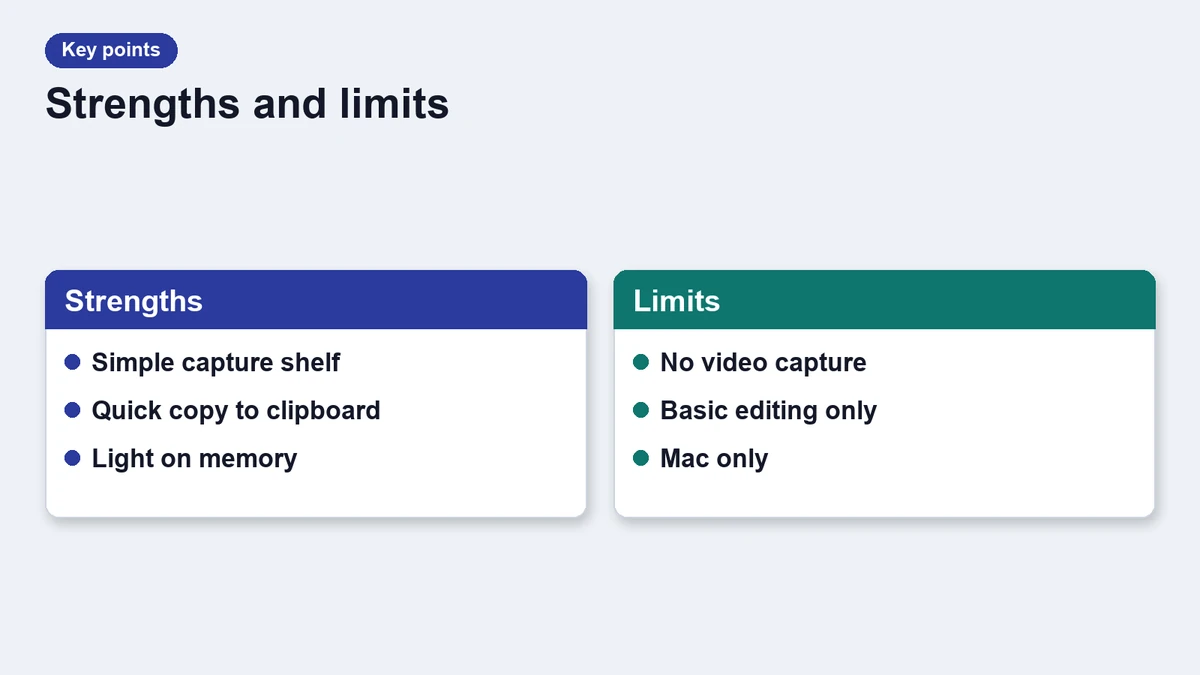
Strengths
- A shelf that holds your last twenty captures.
- Simple markup with arrows, boxes and blur.
- Quick sharing links that expire after a week.
Limits
- No screen video recording.
- The free plan keeps a short history.
- Links require an account.
Feature table
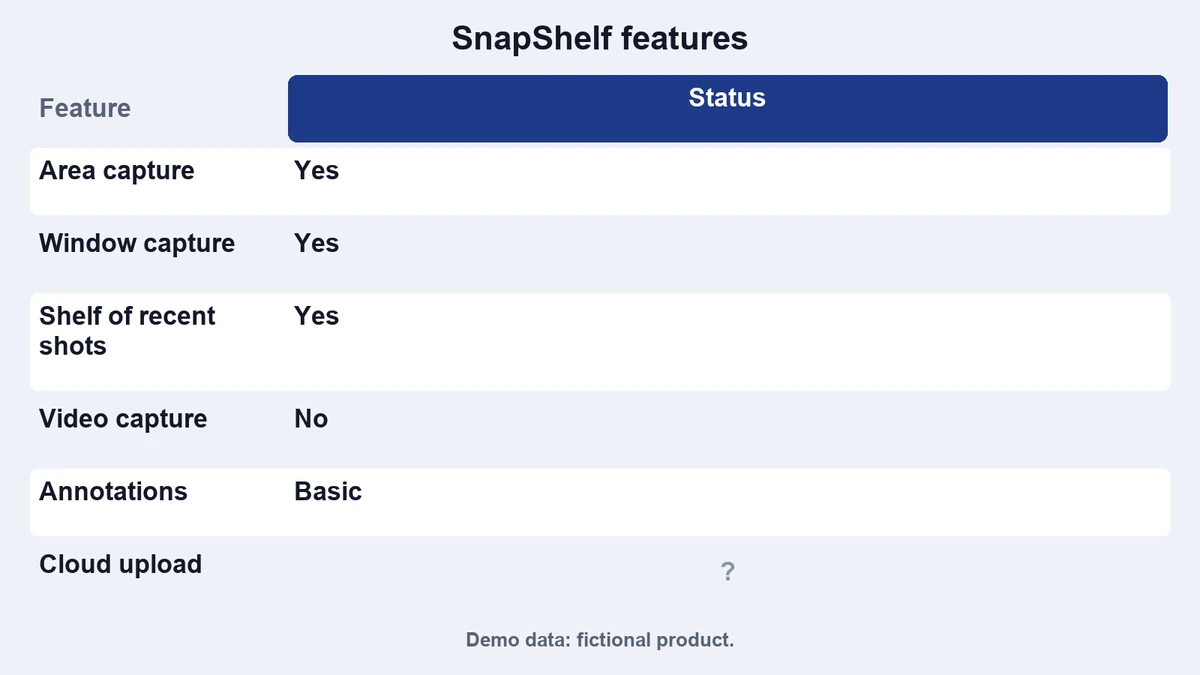
| Feature | Free | Plus |
|---|---|---|
| Area capture | Yes | Yes |
| Shelf history | 20 captures | 200 captures |
| Markup tools | Arrow and box | All tools |
| Share links | 7 days | 30 days |
| Scrolling capture | No | Yes |
| Price | $0 | $14 once |
Who it is for
Support teams and writers who send many screenshots will like the shelf. If you only capture a few images a month, the built in tool is enough.
How it fits with other tools
SnapShelf pairs well with a clipboard manager. You can paste a capture from the shelf, or keep it in a history. See our clipboard manager list for ideas.
Verdict
SnapShelf is a tidy, focused tool with clear limits. This demo overview is meant to show the page layout. It does not review a real product.
Sharing and privacy
Share links in SnapShelf are public to anyone who has the address. The vendor says links expire after a week on the free plan and after a month on paid plans. For sensitive screenshots, blur private details before you share.
Captures stay on your Mac unless you create a link. Turning off link creation in settings keeps everything local. This detail is part of the demo, and no real product is described.
If you adopt a tool like this, agree on a naming rule for shared screenshots. Clear names help teammates find the right image later, and they keep links tidy.
Frequently asked questions
Is SnapShelf a real app?
No. It is a fictional product used for this demo.
Can it record video?
No. It focuses on still captures.
Does it work offline?
Capture and markup do, but sharing links need a network.
Is there a free plan?
Yes, with a shorter history and fewer markup tools.